# load sample data
data4D = img2float(cells3d())
data = data4D[:, 1, :, :] # load the nuclei channelVisualize
Data visualization
Display 2D images
Function to quickly display 2D images
plot_image
def plot_image(
    values, # A 2D or 3D array of pixel values representing the image.
):
Plot a 2D image or the central slice of a 3D image using Matplotlib. The function assumes that ‘values’ is a 2D or 3D array representing an image, typically in grayscale.
# Example usage:
plot_image(data[30])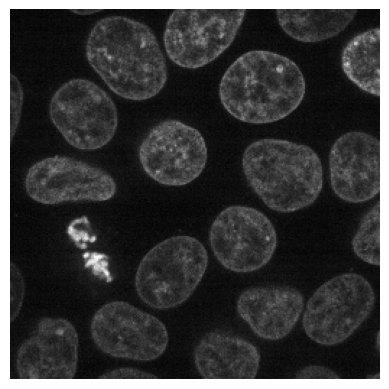
plot_image(data)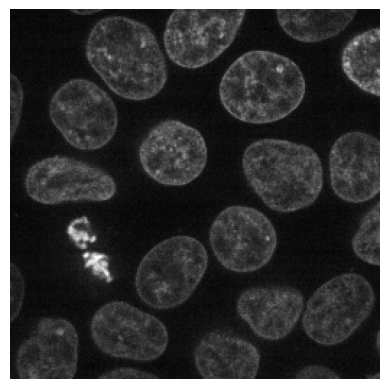
Display Multichannel images
Function to display RGB and multichannel images
show_multichannel
def show_multichannel(
    img, # A tensor or numpy array representing a multi-channel image.
    ax:NoneType=None, # The Matplotlib axis to use for plotting.
    figsize:NoneType=None, # The size of the figure.
    title:NoneType=None, # The title of the image.
    max_slices:int=3, # The maximum number of slices to display.
    ctx:NoneType=None, # The context to use for plotting.
    layout:str='horizontal', # The layout type: 'horizontal', 'square', or 'multirow'.
    num_cols:int=3, # The number of columns for the 'multirow' layout. Ignored for other layouts.
    cmap:NoneType=None, norm:NoneType=None, aspect:NoneType=None, interpolation:NoneType=None, alpha:NoneType=None,
    vmin:NoneType=None, vmax:NoneType=None, colorizer:NoneType=None, origin:NoneType=None, extent:NoneType=None,
    interpolation_stage:NoneType=None, filternorm:bool=True, filterrad:float=4.0, resample:NoneType=None,
    url:NoneType=None, data:NoneType=None, kwargs:VAR_KEYWORD
):
Show multi-channel CYX image with options for horizontal, square, or multi-row layout.
print(data4D[35].shape)
show_multichannel(data4D[35], cmap='gray', layout='multirow', num_cols=1);
(2, 256, 256)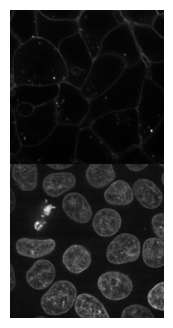
Display 3D images
Function to display 3D images
mosaic_image_3d
def mosaic_image_3d(
    t:(<class 'numpy.ndarray'>, <class 'torch.Tensor'>), # 3D image to plot
    axis:int=0, # axis to split 3D array to 2D images
    figsize:tuple=(15, 15), # size of the figure
    cmap:str='gray', # colormap to use
    nrow:int=10, # number of images per row
    alpha:float=1.0, # transparency of the image
    return_grid:bool=False, # return the grid for further processing
    add_to_existing:bool=False, # add to existing figure
    kwargs:VAR_KEYWORD
):
Plots 2D slices of a 3D image alongside a prior specified axis.
show_images_grid
def show_images_grid(
    images, # A list of images to display.
    ax:NoneType=None, # The Matplotlib axis to use for plotting.
    ncols:int=10, # The number of columns in the grid.
    figsize:NoneType=None, # The size of the figure.
    title:NoneType=None, # The title of the image.
    spacing:float=0.02, # The spacing between subplots.
    max_slices:int=3, # The maximum number of slices to display.
    ctx:NoneType=None, # The context to use for plotting.
    cmap:NoneType=None, norm:NoneType=None, aspect:NoneType=None, interpolation:NoneType=None, alpha:NoneType=None,
    vmin:NoneType=None, vmax:NoneType=None, colorizer:NoneType=None, origin:NoneType=None, extent:NoneType=None,
    interpolation_stage:NoneType=None, filternorm:bool=True, filterrad:float=4.0, resample:NoneType=None,
    url:NoneType=None, data:NoneType=None, kwargs:VAR_KEYWORD
):
Show a list of images arranged in a grid.
Returns: - axes: matplotlib axes containing the grid of images.
mosaic_image_3d(torch_from_numpy(data), figsize=None)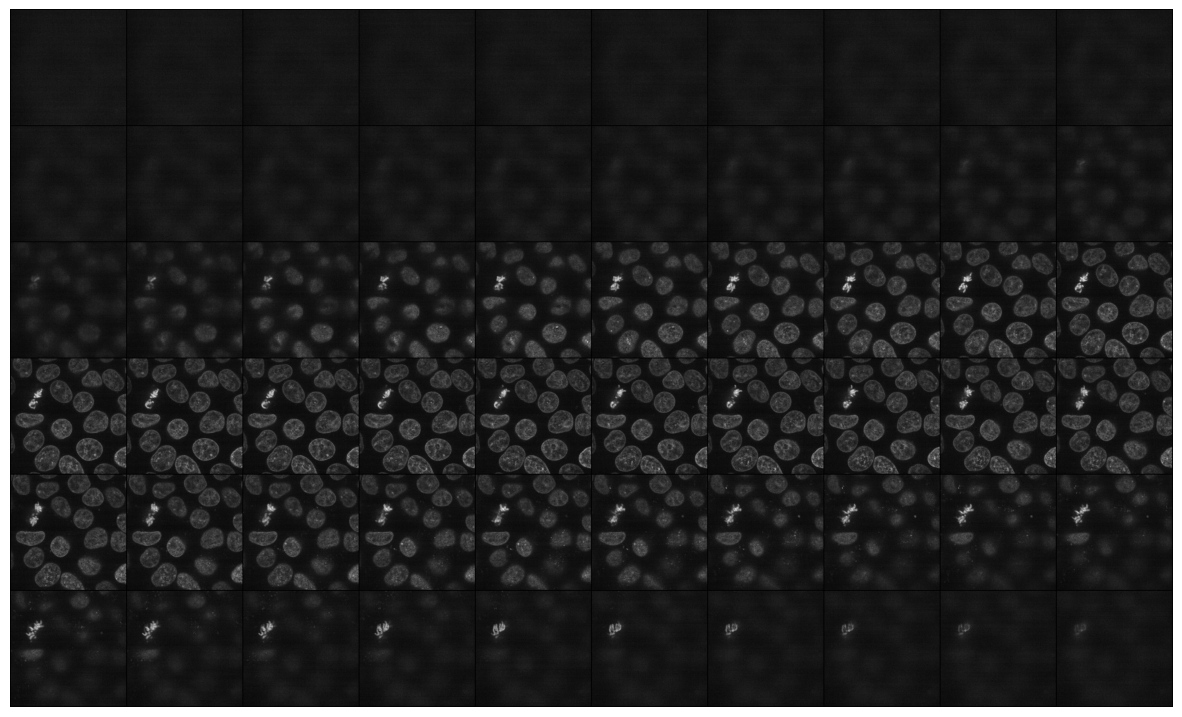
show_images_grid(data, cmap='gray');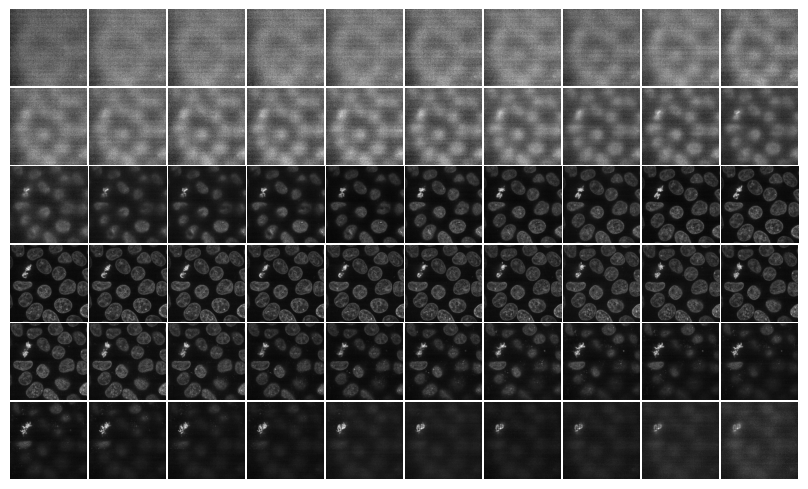
Show slices
show_plane
def show_plane(
    ax, # The axis object to display the slice on.
    plane, # A 2D numpy array representing the slice of the image tensor.
    cmap:str='gray', # Colormap to use for displaying the image.
    title:NoneType=None, # Title for the plot.
    lines:NoneType=None, # A list of indices where dashed lines should be drawn on the plane.
    linestyle:str='--', # The style of the dashed lines.
    linecolor:str='white', # The color of the dashed lines.
):
Display a slice of the image tensor on a given axis with optional dashed lines.
visualize_slices
def visualize_slices(
    data, # A 3D numpy array representing the image tensor.
    planes:NoneType=None, # A tuple containing the indices of the planes to visualize.
    showlines:bool=True, # Whether to show dashed lines on the planes, rows, and columns.
    kwargs:VAR_KEYWORD
):
Visualize slices of a 3D image tensor along its planes, rows, and columns.
visualize_slices(data, showlines=False)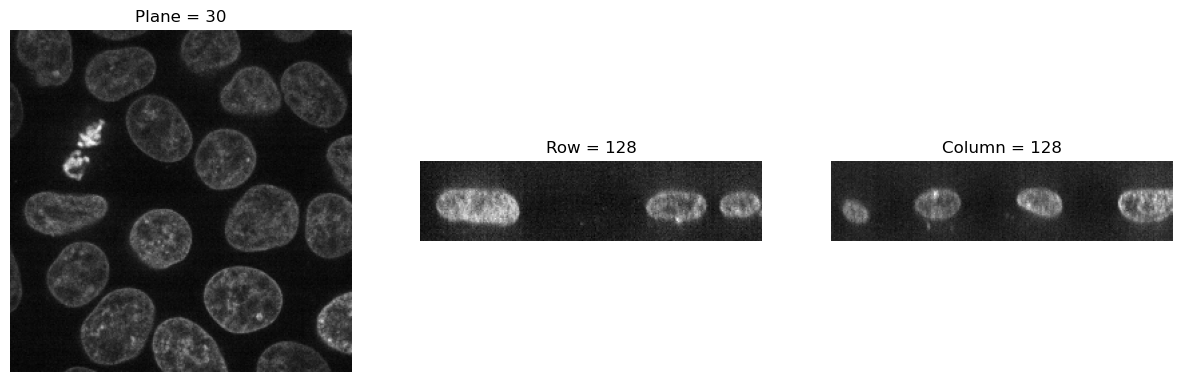
visualize_slices(data, (25,100,150), linestyle=':')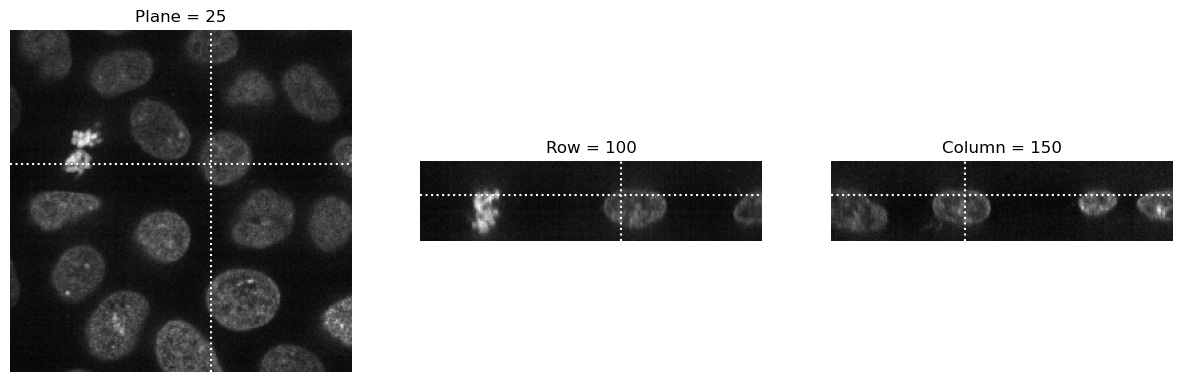
slice_explorer
def slice_explorer(
    data, # A 3D numpy array representing the image tensor.
    order:str='CZYX', # The order of dimensions in the data.
    kwargs:VAR_KEYWORD
):
Visualizes the provided data using Plotly’s interactive imshow function with animation support.
slice_explorer(data4D, order='ZCYX', title='Cells 3D')Unable to display output for mime type(s): application/vnd.plotly.v1+json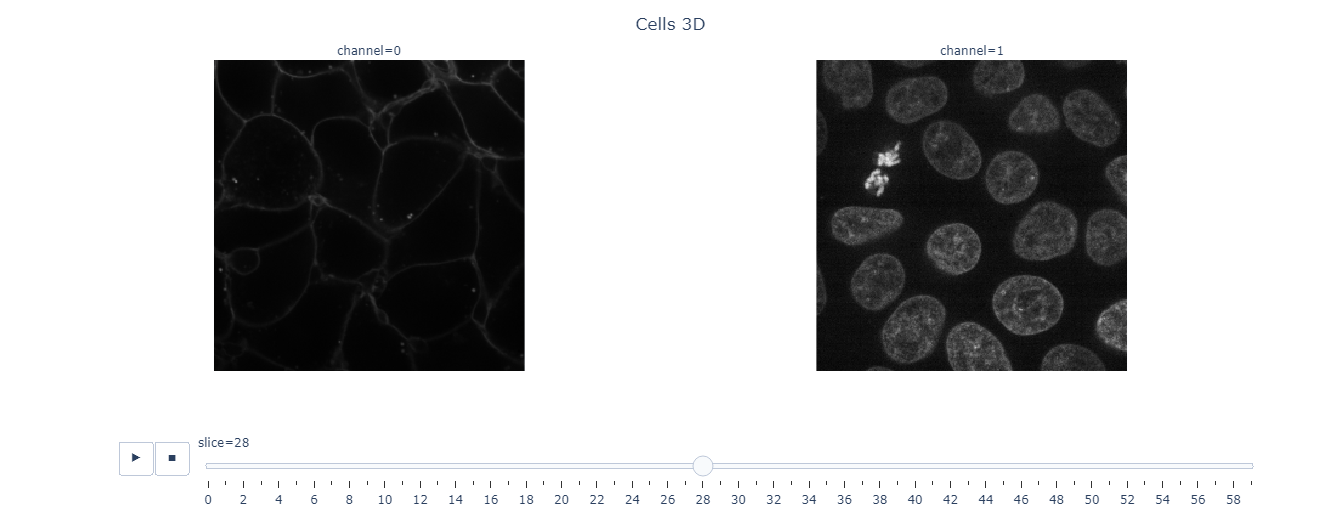
plot_volume
def plot_volume(
    values, # A 3D array of pixel values representing the volume.
    opacity:float=0.1, # Opacity level for the surfaces in the volume plot.
    min:NoneType=None, # Minimum threshold for the visualization.
    max:NoneType=None, # Maximum threshold for the visualization.
    surface_count:int=5, # Number of surfaces to display in the volume plot.
    width:int=800, # Width of the plotted figure.
    height:int=600, # Height of the plotted figure.
    kwargs:VAR_KEYWORD
):
Interactive visualization of a 3D volume using Plotly. The function assumes that ‘values’ is a 3D array representing the volume data.
plot_volume(data[:, 50:150, 50:150])Unable to display output for mime type(s): application/vnd.plotly.v1+json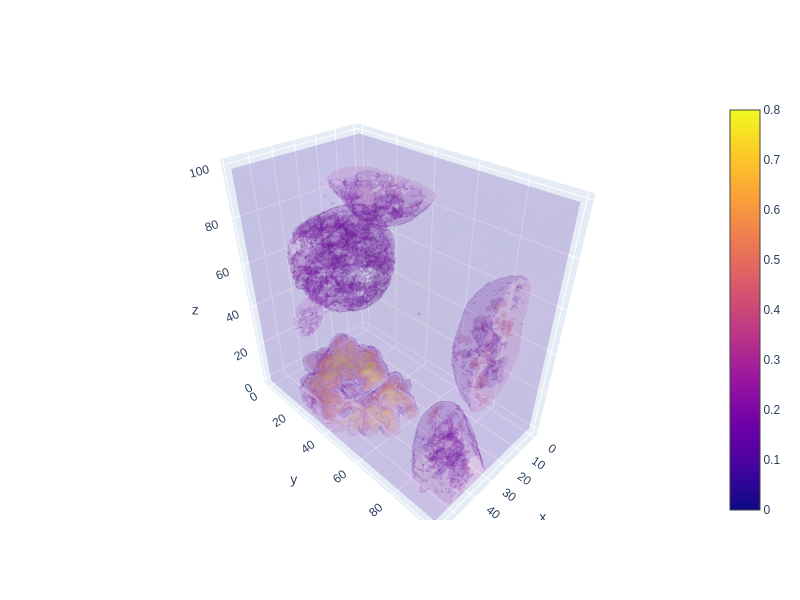
Plots
plot_metrics
def plot_metrics(
    learn
):
Plot a losses and metrics from a fastai Recorder. - Loss curves - Metrics curves - Best validation epoch markers
plot_intensity_histogram
def plot_intensity_histogram(
    image, threshold:NoneType=None, mode:NoneType=None, # None, "greater", "lower"
    bins:int=256, per_channel:bool=False, density:bool=False, int_ticks:bool=True, int_y_ticks:bool=False
):
Plot intensity histogram of an image.